
CTR Procedures
To post a transaction that requires a CTR, you must associate each transactor's identifying records in the Transactor Confirmation Required window. The Post button is grayed out until all required records are associated.
- In the Contact section, select a Contact record to include in the CTR.

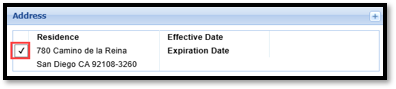
- In the Address section, select an Address record to include in the CTR.
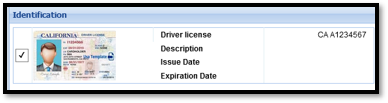
- In the Identification section of the Transactor Confirmation Required window, check the box next to the associated ID record.
- Repeat for each person associated with the transaction by clicking on the tabs across the top of the window.
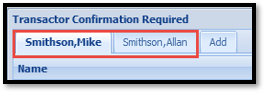
- If transaction is being posted on a joint account, but only one account owner is present, click on the tab for the joint owner, and select “Owner not present” at the bottom of the page

- If transaction is being posted on a joint account, but only one account owner is present, click on the tab for the joint owner, and select “Owner not present” at the bottom of the page
- Once all required records have been associated and the Post button is activated, click Post.