Document Research
Default
Keystone eView performs document searches using the member number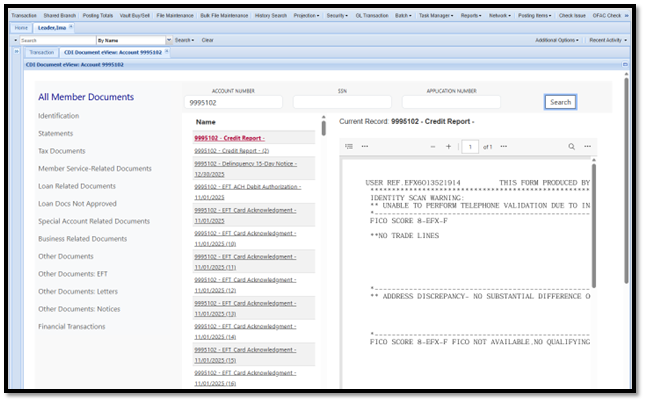
Alternate Search Method
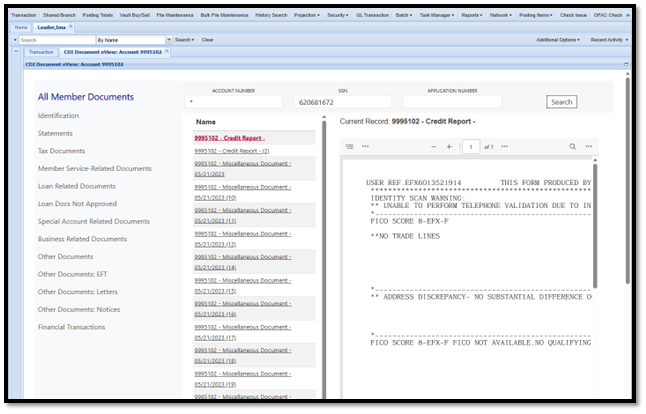
Some Documents may be indexed using an SSN instead of a member number. In these cases, you can search by SSN to locate all related records, including any secondary accounts established prior to system conversion.
How to Search by SSN
-
In the Account Number field, enter an asterisk (*)
-
In the SSN field, enter the SSN (without dashes)
-
Click Search
This method will return all documents indexed under the SSN, including those not associated with a specific member number & will display all documents associated with the SSN, regardless of the account number used for indexing.