HELOC Payoffs
*You will no longer reach out to Mortgage to close HELOCs*
- Open a Transaction work area.
- Search for the member or account.
- In the Transaction Type field, enter CL for Close Share/Loan.
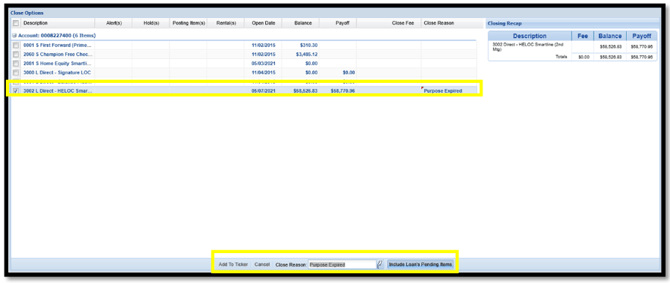
- In the Close Options window, select the HELOC you plan to close.
- In the Close Reason field, select or search for the reason.
- KeyStone displays and includes any pending posting items in the payoff amount.
- Click ‘Add to Ticker’.
- Offset the transaction.
- Click Post.