Payoff Quotes (Consumer Loans)
Payoff as of Today
- Open a Transaction work area and search for the member
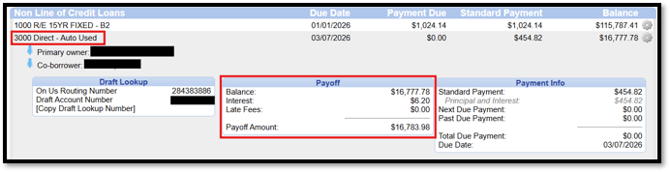
- In the Account Panel – Click on the Hyperlink that pops up when you hover over the loan number to expand additional information
- A Payoff box will display, which will include the payoff amount, including interest that has accrued since the last payment was made.
Payoff for a Future Date
- Open a Transaction work area and search for the member
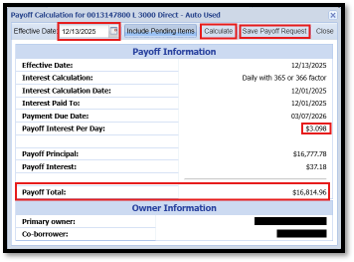
- In the Account Panel – hover over the Gear icon to the far right of the applicable loan and click Calculate Payoff

- Enter the desired date in the Effective Date field
- Click Calculate
- This will calculate a payoff good through the effective date entered and will provide per diem if needed
- Click Save Payoff Request to save the request
- In the Payoff Requestor window, enter the name of the person requesting the payoff
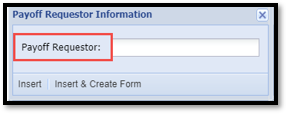
- To create a Keyinsight Interaction ONLY with this information, Click Insert
- This will automatically generate a Keyinsight for you
- To create a Keyinsight Interaction AND generate a payoff form, click Insert & Create Form
- Click Proceed to Form
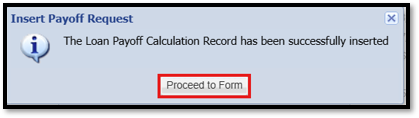
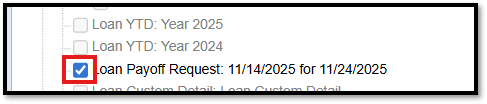
- The Process Form Box will pop up – select box beside the Loan Payoff Request you just generated and then click Continue to generate the form